Connecting to COmanage
Once you complete the initial setup for your COmanage account you can connecting another identity provider to the same account. You will need to log in to https://comanage.sdcc.bnl.gov/ and under your account you will see a link under the user menu on the top right to "link another account"
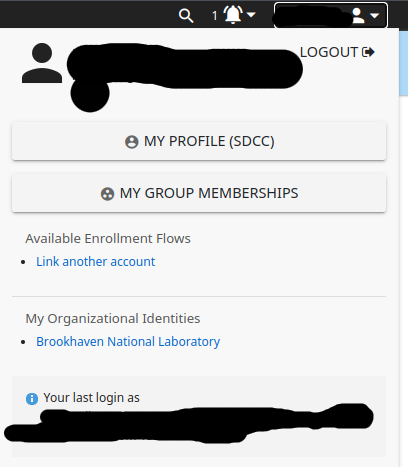
You will be brought to another CiLogon menu and need to select a different identity provider from one that is currently linked to your account.
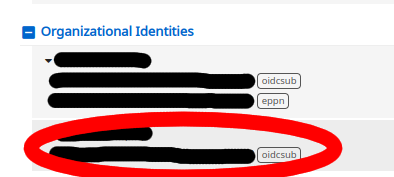
Once this process completes you will see a new organizational identity added to your account on the bottom of the profile page: