Initial Login
- Install a time-based, one-time password ( TOTP ) application, such as FreeOTP, Google Authenticator, or https://www.bnl.gov/duo/.
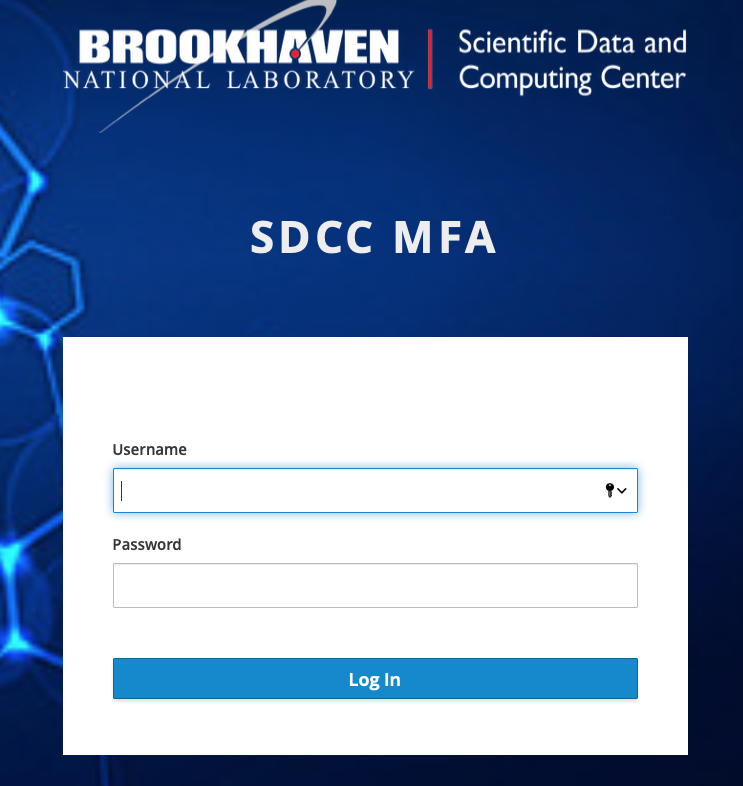
- Login with your SCDF account (not BNL or other accounts):
https://account.sdcc.bnl.gov/otpenroll
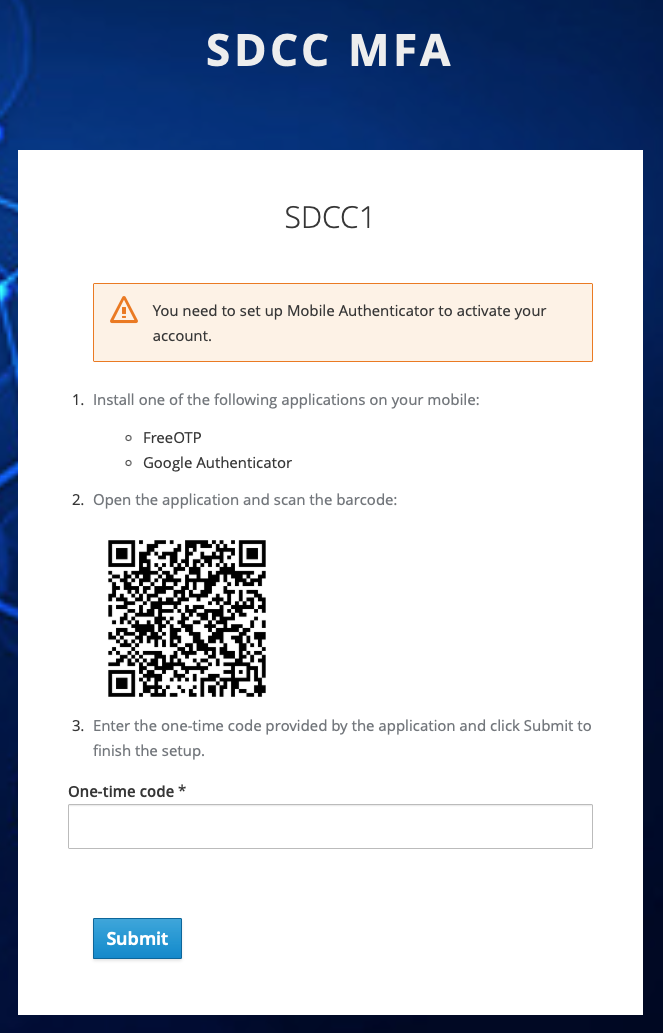
First-time enrollment
- Upon initial login, you will be asked to scan a QR code on the page, and to enter a one-time code from your OTP application within a two-minute period.
-
If you do not enter the one-time code within this two-minute window, the TOTP creation will fail, and the page will restart with the login form.
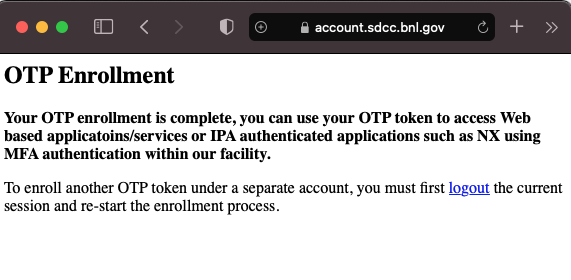
- Upon successful OTP code verification, a success page will verify that "Your OTP enrollment is complete".
- Within a few minutes of verification, your token will be replicated to other SCDF systems and application for OTP use.
Using MFA
After initial enrollment, you can use MFA to access many SCDF resources. When prompted for a two-factor authentication code, enter the one-time code from your OTP application within a two-minute period.
- _ If you do not enter the one-time code within this two-minute window, or if you enter an incorrect or previous code, the TOTP creation will fail, and the page will restart with the login form._
Token Handling
- Mobile Apps:
Note: If you need to re-scan your QR code, Google Authenticator will detect the same user token in your code and ask to replace the old token, but FreeOTP will require you to manually delete the old token and rescan, which is a manual step. - Browser Extensions:
Authenticator plugins can also be activated as an extension to the browser as an alternative choices of mobile apps, for example: https://authenticator.cc/ - OS based apps:
https://www.microsoft.com/en-us/p/winotp-authenticator/9nf2rgqkx1mv?cid=msft_web_chart&activetab=pivot:overviewtab
Self-service deletion of existing tokens
Please use the following link to delete your own tokens.